Computer graphics is often reduced to "learning Photoshop". In fact, the subject is about how images are created, stored and displayed by a computer. Software changes, but the principles stay the same, and future computer science teachers need to be able to explain those principles to their pupils.
Three types of graphics
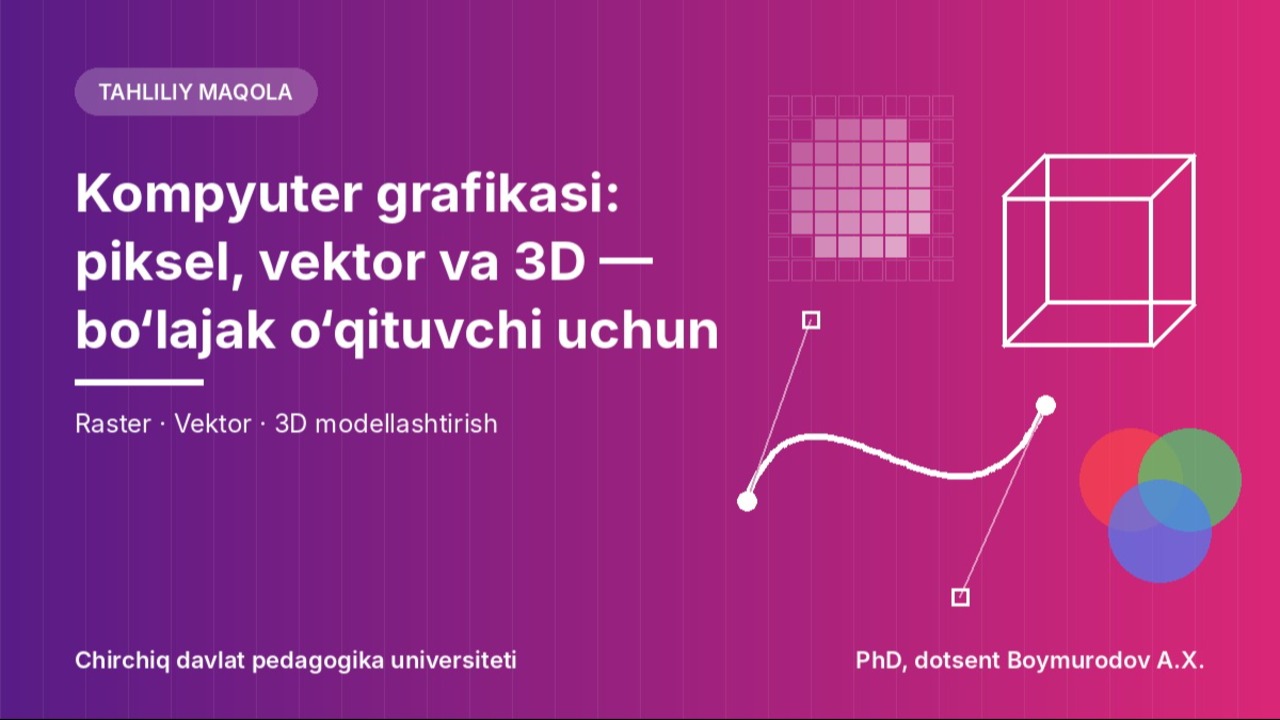
- Raster graphics store an image as a grid of pixels. They are ideal for photos, but enlarged images become "jagged". Formats: JPEG, PNG.
- Vector graphics describe an image with mathematical objects (points, lines, Bézier curves). They suit logos, diagrams and infographics because they scale without losing quality. Formats: SVG, PDF.
- 3D graphics involve building a spatial model, adding materials and lighting, and rendering it. They are used in games, architecture and educational visualisation.
Colour models are another must-know topic. Screens produce colour in the RGB model (red, green, blue), while printers use CMYK. If a poster looks great on screen but dull in print, this difference is usually the reason.
Free and open tools
Free software lets schools avoid licensing problems:
- GIMP for raster image editing;
- Inkscape for vector graphics;
- Blender for 3D modelling and animation;
- Canva and similar online services for quick designs and presentations.
How to organise lessons
The most effective approach is learning through small projects:
- Vector: design a logo for the school or a club;
- Raster: restore an old photo and make a collage;
- Infographic: an information poster on a subject topic;
- 3D: model a simple object, such as a school desk.
Each project is linked to theory. For example, when designing a logo, students explain why they chose a vector format.
Conclusion. Computer graphics is the most visual part of informatics: pupils see the result on screen straight away, which builds interest in the subject. A teacher who knows the principles well can quickly teach pupils any new software.
Author: Adham Xushimqulovich Boymurodov, PhD, Associate Professor, Department of Information Technologies and Artificial Intelligence.